
Editorial wedding websites, no coding needed
Design-led wedding website templates that feel as considered as your invitations. Edit in free Canva or offline in PowerPoint, publish in an afternoon, and give guests one beautiful place for every detail.
- Canva link + PowerPoint files
- 3 colorways each
- Edit offline & print
- Instant download
- Canva + PowerPoint files
- Edit offline & print
- RSVP & countdown ready
- Designed & tested by hand
Not just a Canva link. Real files you own.
Most wedding website templates on Etsy are a single Canva link: online only, editable only in Canva. Every Larkspur template includes the Canva link and fully editable PowerPoint files, so you can use your design in more ways.
Edit and publish as a website, just like any Canva template.
Open the PowerPoint files on your laptop, no internet or Canva needed.
Turn pages into programs, welcome signs, menus or printed invitations.
Save pages as JPG, PNG or PDF and send them by WhatsApp, email or Instagram.
| What you can do | Canva-only templates | Larkspur Editorial |
|---|---|---|
| Edit in Canva (free account) | ✓Yes | ✓Yes |
| Editable PowerPoint (.pptx) files included | ✕No | ✓Yes, 9 files |
| Edit offline, without internet | ✕No | ✓Yes, in PowerPoint |
| Files saved on your own computer | ✕Just a Canva link | ✓Yes, yours to keep |
| Print programs, signs or invitations | ✕Through Canva only | ✓From Canva or PowerPoint |
| Save pages as images or PDF to share | ✕Through Canva only | ✓From Canva or PowerPoint |
Comparison with typical Canva-link-only wedding website templates. Features of other shops vary.
Five collections, one for every couple
From clean modern grids to wax seals and pressed flowers, find the look that matches your invitations and your venue.
Recently added designs
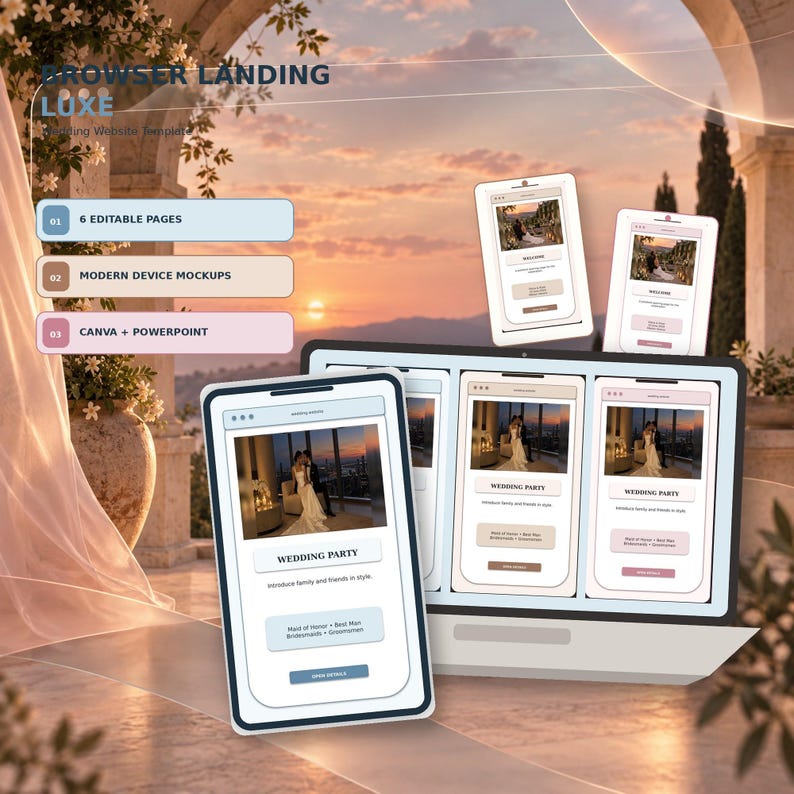
Browser Landing Luxe
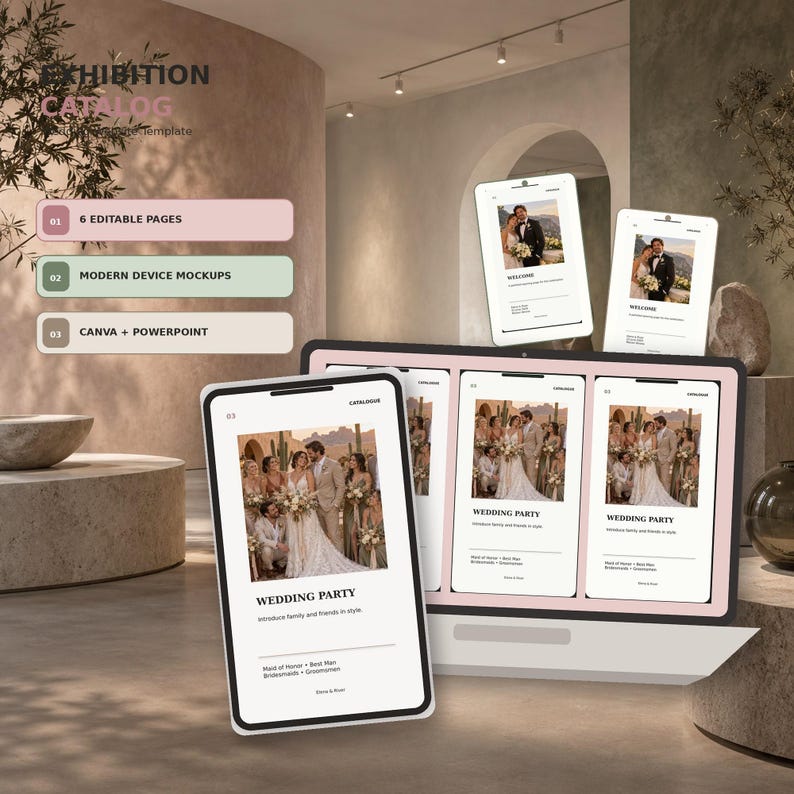
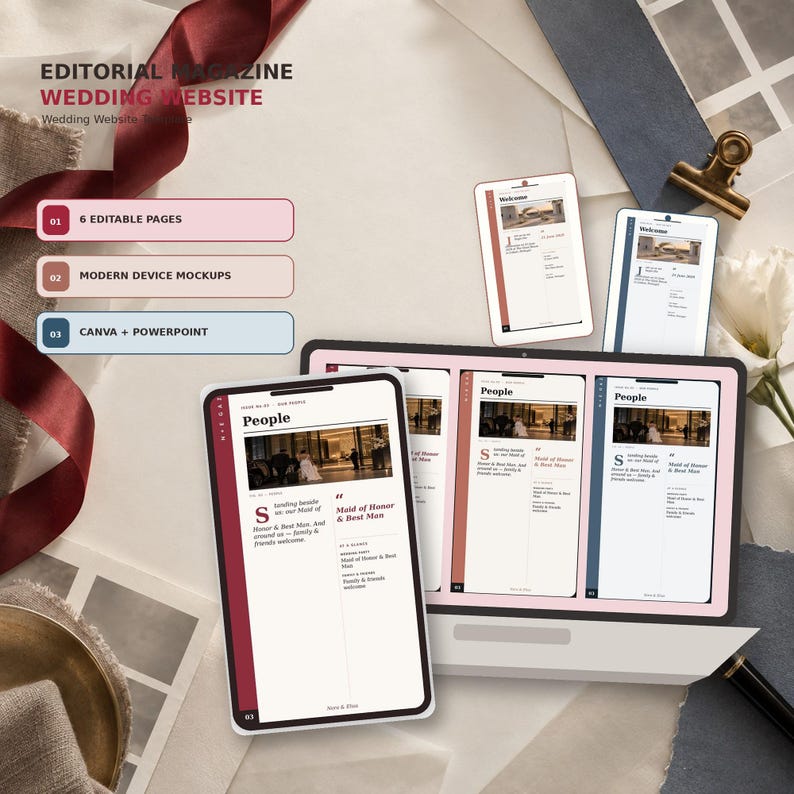
Exhibition Catalog
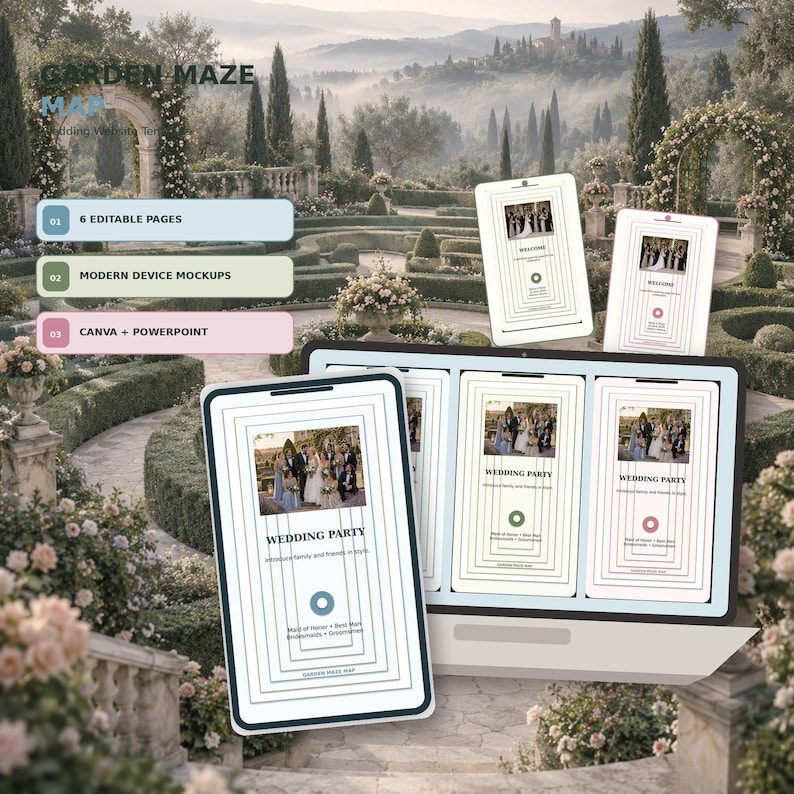
Garden Maze Map
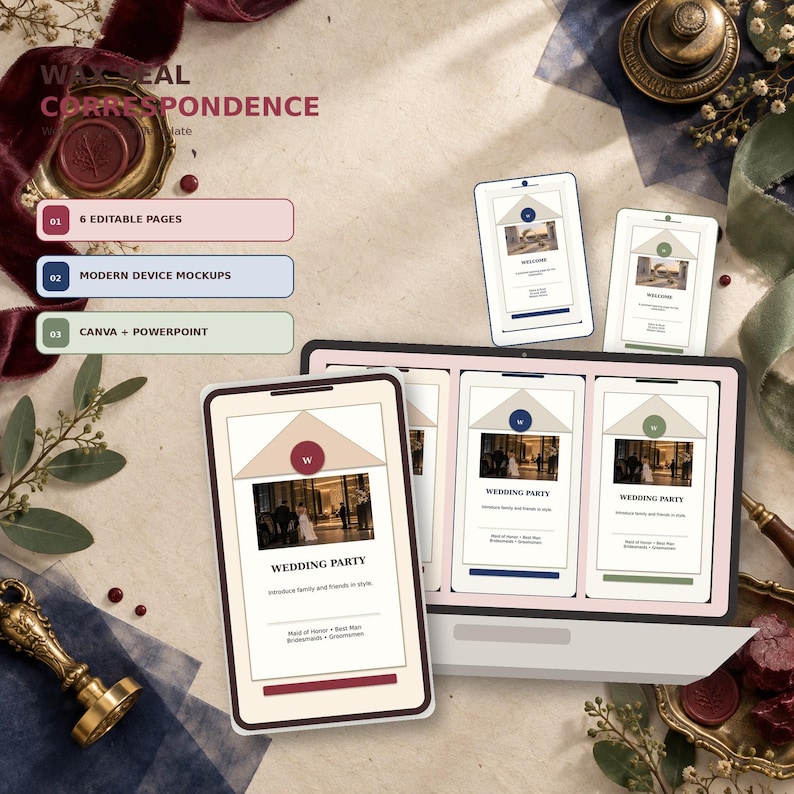
Wax Seal Correspondence
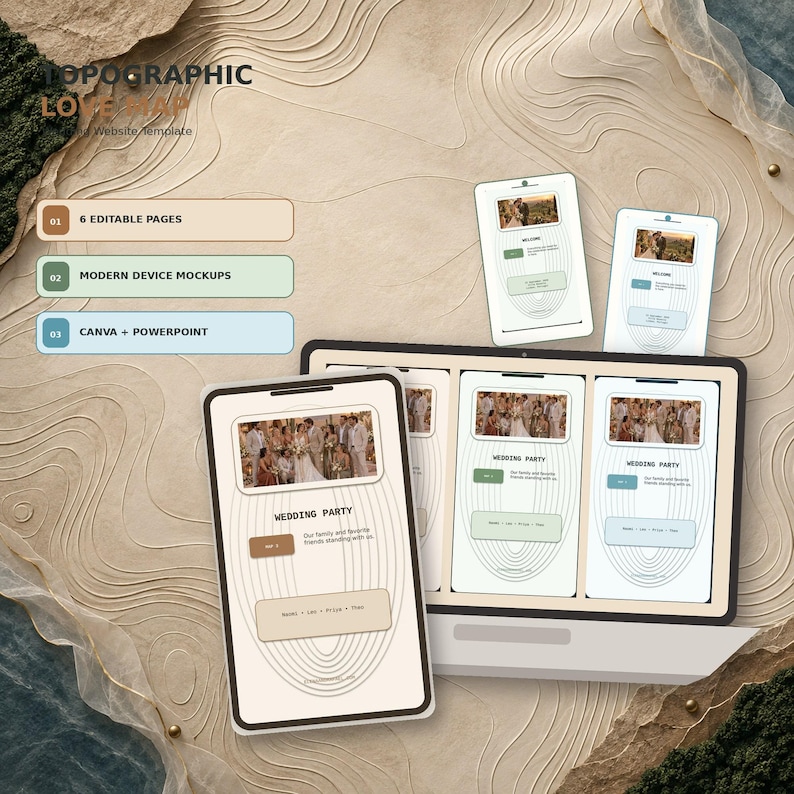
Topographic Love Map
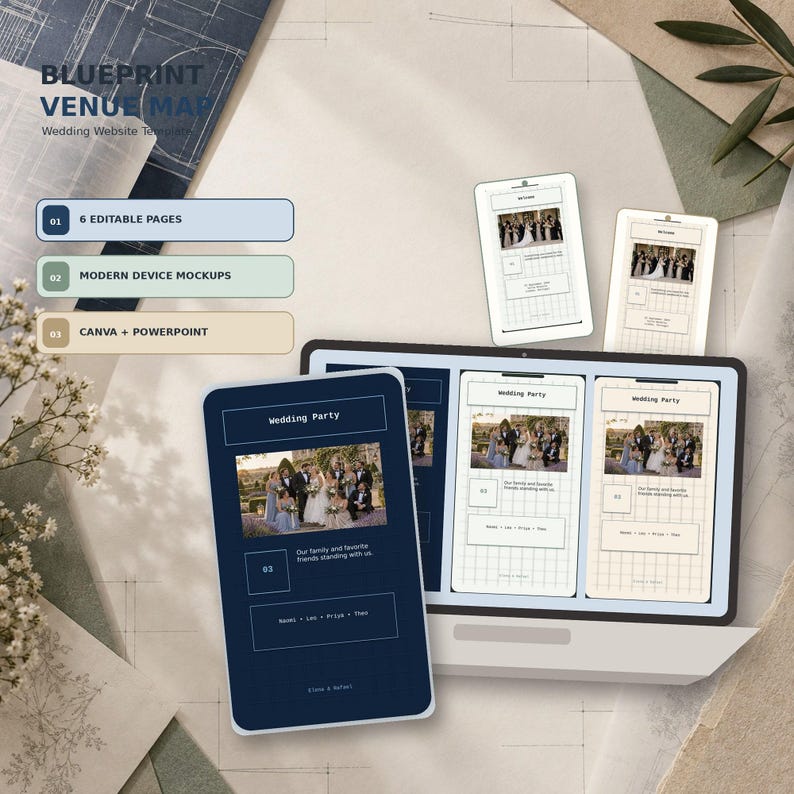
Blueprint Venue Map
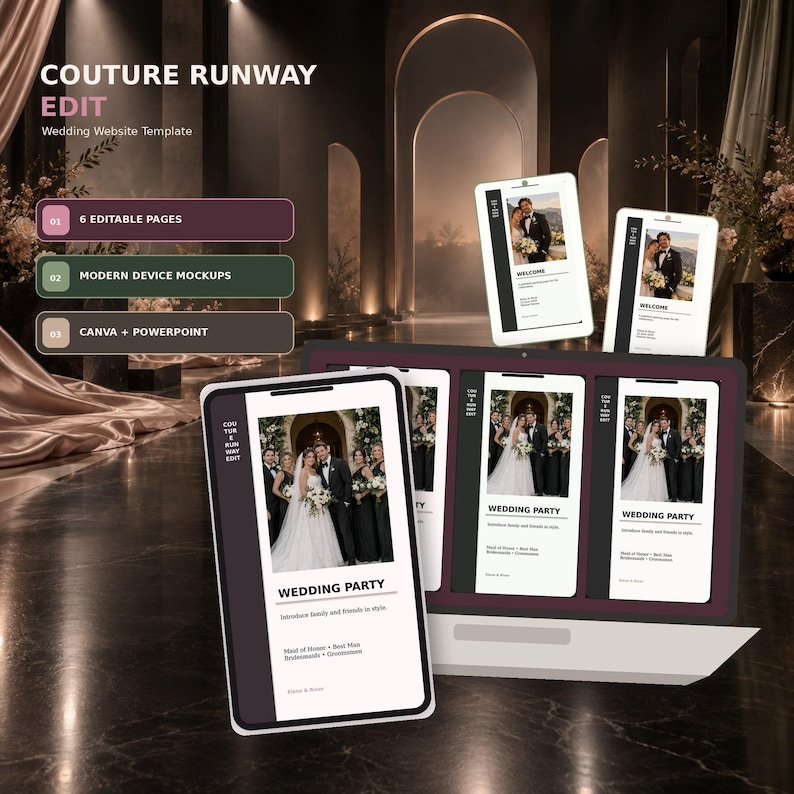
Couture Runway Edit
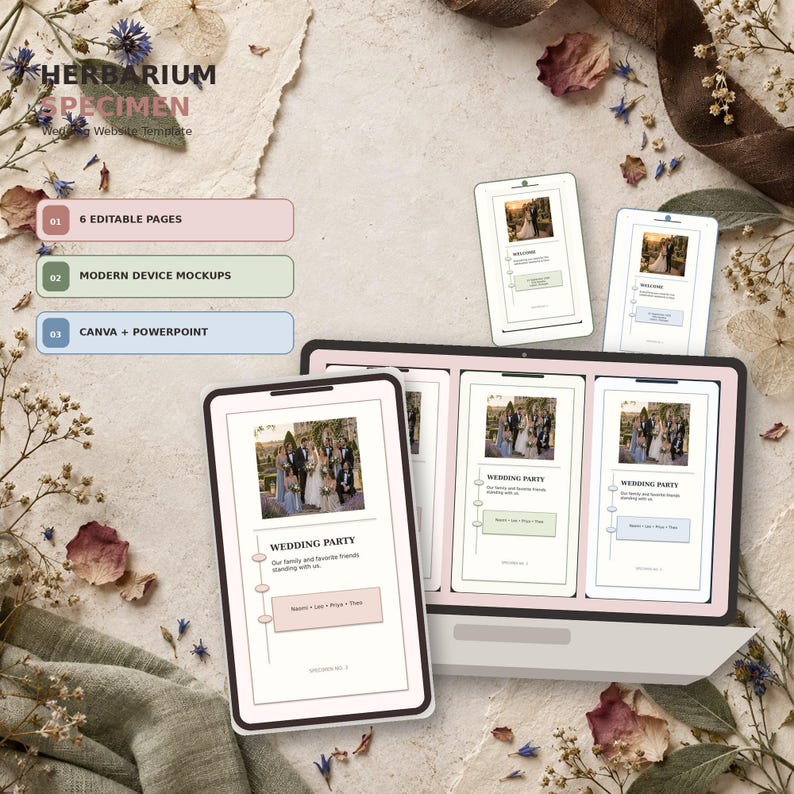
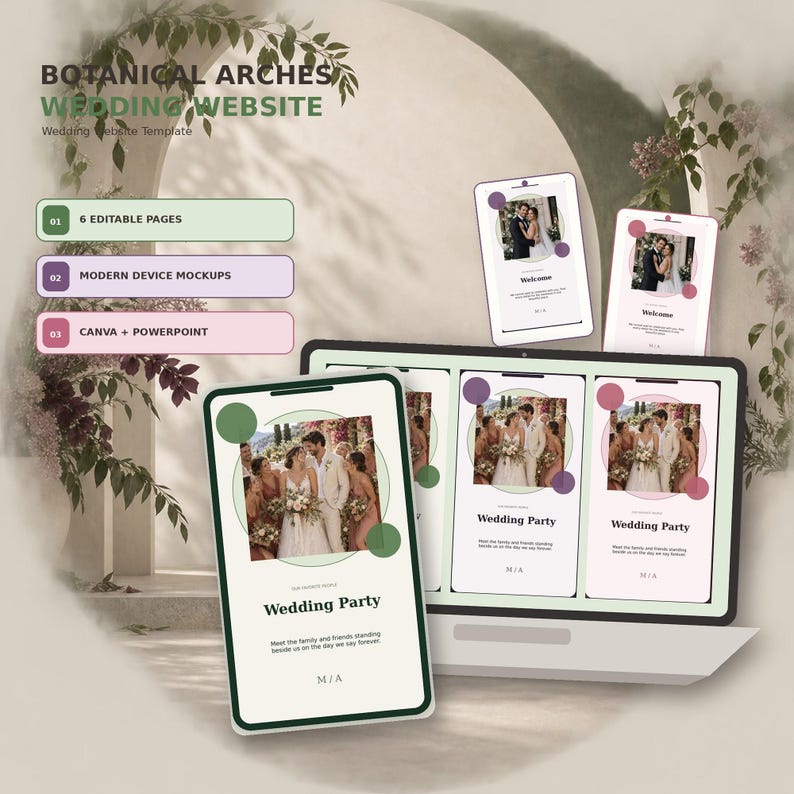
Herbarium Specimen
From download to live site in an afternoon
Choose your design
Browse 50 editorial templates across five styles. Every design comes with 3 coordinated colorways.
Buy & download
Checkout securely on Etsy and get your files instantly: Canva links plus PowerPoint versions.
Make it yours
Add your names, story, schedule and photos in a free Canva account or PowerPoint. No coding needed.
Publish & share
Publish as a website in Canva, add RSVP forms and a countdown, then share the link with guests.
Every page your guests will look for
- WelcomeYour names, date and story
- ScheduleCeremony, reception, weekend
- Wedding partyIntroduce your people
- Travel & stayHotels, flights, directions
- RegistryLinks to your gift lists
- FAQs & RSVPAnswers and replies in one place
Your download includes
- Canva template linksfree account works
- PowerPoint files9 .pptx files
- Colorways3 per design
- Versionsblank, photo & illustrated
- README guidestep-by-step setup
- Mobile-tested layoutsphone & desktop
Wedding websites that feel like your invitations
Larkspur Editorial began with a simple frustration: couples deserve wedding websites that feel as considered as their stationery, not generic drag-and-drop templates that all look the same.
Every design borrows from print, stationery and fashion editorial, and is tested on desktop and mobile so it looks just as polished on a phone.
Good to know
How are Larkspur templates different from other Etsy wedding website templates?
Most wedding website templates on Etsy are just a Canva link, so you can only edit them online in Canva. Every Larkspur template includes the Canva link plus fully editable PowerPoint files. You can edit offline in PowerPoint, print pages as programs, signs or invitations, or save them as images and PDFs to share by WhatsApp, email or social media.
Do I need Canva Pro to edit these templates?
No. Every template works with a free Canva account. Each one is also included as PowerPoint files, so you can edit in Microsoft PowerPoint if you prefer.
Do I need any coding or design experience?
None at all. You change the text, swap in your photos and pick your colorway inside Canva or PowerPoint. Most couples finish their site in an afternoon.
How do I turn the template into a live wedding website?
In Canva, use Share → Publish as website. Canva gives you a free link, or you can connect your own domain. Add Canva Forms for RSVPs and the Countdown Timer app for a live countdown to your day.
What pages are included?
Every design covers the pages a modern wedding site needs: welcome, schedule, wedding party, travel and stay, registry, FAQs and RSVP, laid out to look polished on phones and laptops.
Find the template that feels like you
50 editorial designs, 3 colorways each, ready to edit tonight.